



Double-Check the Road Conditions Before Starting a Route

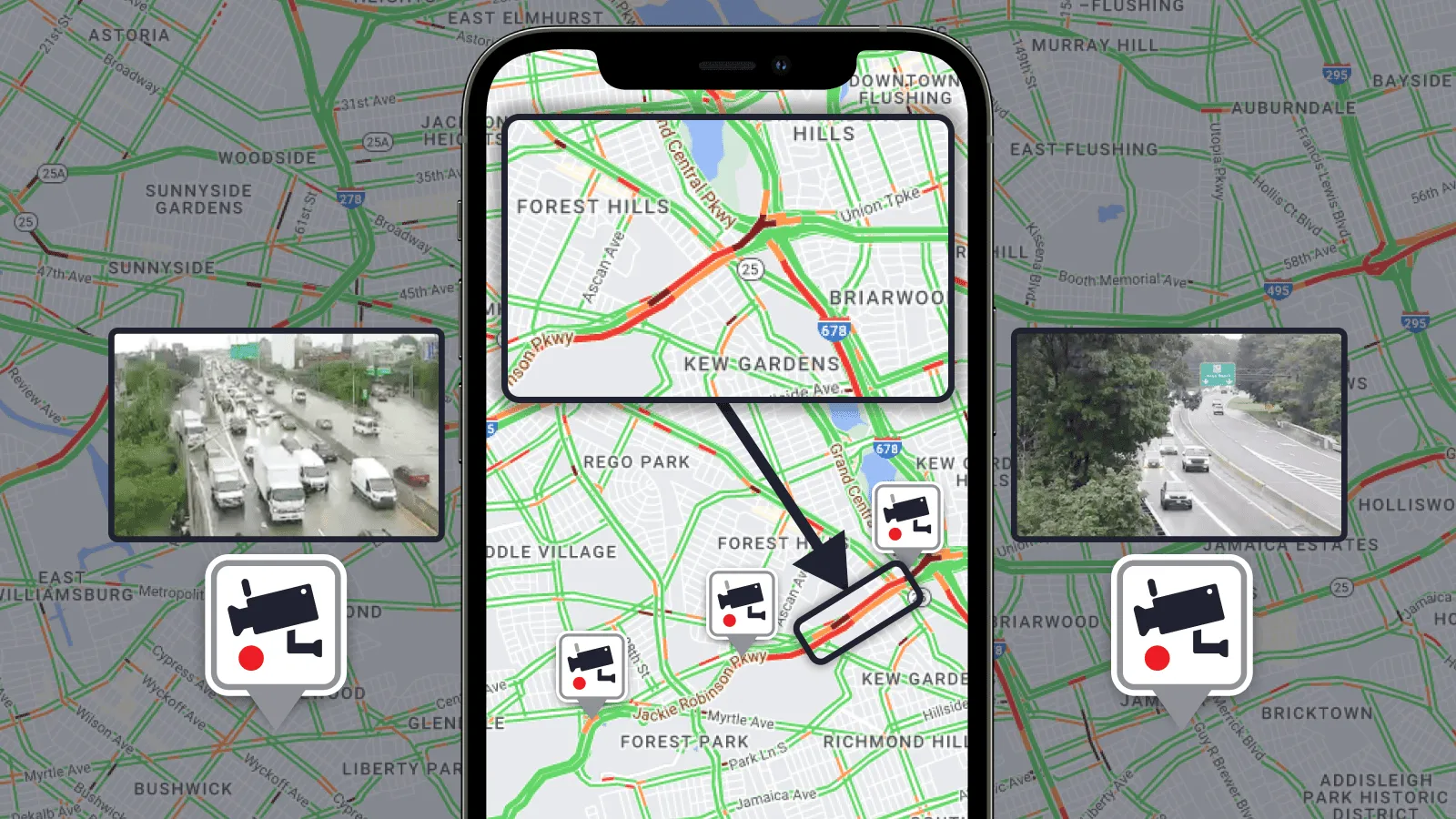
Navigating the roads as a trucker can be challenging, especially when faced with road conditions. Traffic jams and severe weather can really impact your journey. So before starting the route, it's essential to see the situation firsthand. That's where the Trucker Guide can be your real companion.
Quick Summary:
- Trucker Guide now offers live traffic updates directly on the map.
- Roads are color-coded: green (clear), orange (moderate traffic), red (heavy delays).
- Drivers can check live road cameras to see real-time conditions like accidents or construction.
- Users can filter cameras by state to plan routes more accurately.
- The tool helps truckers avoid delays and choose better routes in advance.
With our latest update, navigating through traffic just got easier! Now we are offering live traffic information directly on the map! Different color-coded lines will show you the different levels of traffic, such as:
Green: No traffic delays.
Orange: Medium amount of traffic.
Red: Traffic delays. The darker the red, the slower the speed of traffic on the road.

Together with live road cameras you can double-check what’s happening on the road ahead. Is there an accident? Construction? Just tap on the traffic cameras list, choose the state and see the situation firsthand.
You May Also Like: Live Road Cameras: Plan Your Route with Trucker Guide

Ready to take control of your routes? Download the Trucker Guide app or visit a website and stay informed of the current road conditions.


