



How Trucker Guide | Navigation Helps You Avoid Weigh Station Delays

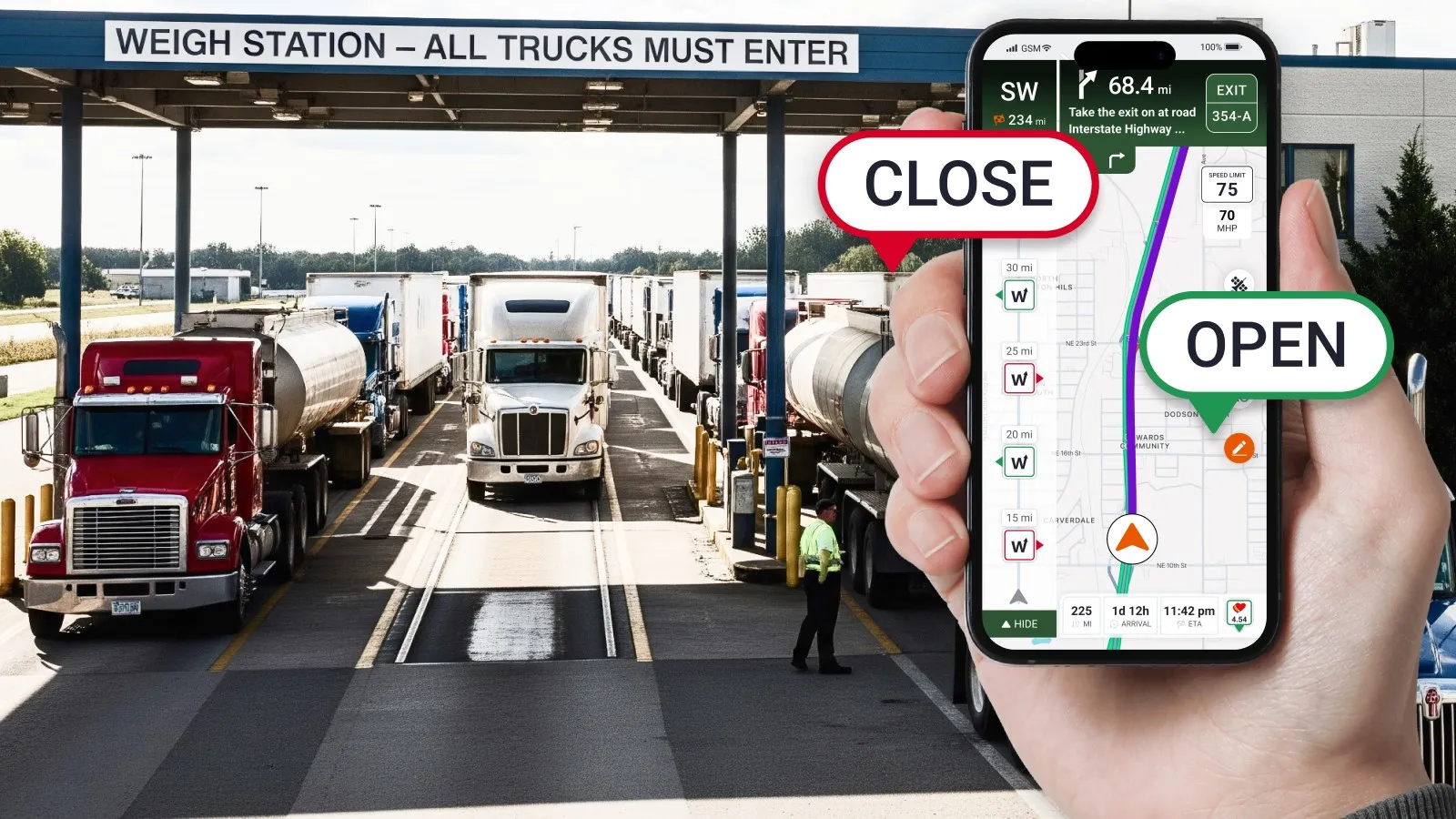
Truck drivers can plan around weigh stations by using a weigh station locator app to find upcoming stations, check real-time status updates, view DOT inspection activity, and identify PrePass availability.
Trucker Guide | Navigation provides a reliable trucking logistics navigation app with commercial vehicle routing and real-time weigh station status updates. We will explain how truckers can use weigh station hours, status updates, and route planning tools to make safer and more efficient driving decisions across the United States.
Key Facts:
- Weigh station status (open, closed, inspection) can change and impact driver schedules in real time.
- Trucker Guide | Navigation provides a truck stop finder and real-time weigh station locator with status updates.
- Drivers can access PrePass lanes at participating weigh stations for faster automated processing.
- Users can share live weigh station condition updates directly through the truck driver app, helping other drivers stay informed on the road.
- Weigh station planning helps reduce fuel waste, avoid delays, and improve DOT compliance.
- Satellite view tools support better entry, parking, and approach planning for truckers.
.webp)
7 Things to Know About U.S. Weigh Station Planning
Weigh station planning is an important part of safe and efficient trucking. Before reaching an inspection point, drivers should know where weigh stations are located, understand operating conditions, and plan their routes to avoid unnecessary delays.
Key things truck drivers should consider include:
- Weigh station locations: Knowing upcoming weigh stations helps drivers prepare for inspections and plan their routes more effectively.
- DOT weigh station hours: Operating hours can vary by state, location, and enforcement activity, so checking current information is important.
- Real-time station status: Open, closed, or active inspection conditions can impact trip timing and delivery schedules.
- Route planning: Including weigh station stops in route preparation helps drivers manage fuel, parking, and rest breaks.
- PrePass availability: Some participating stations offer automated processing options that may help reduce waiting times.
- Truck-friendly navigation: Commercial drivers need tools designed for vehicle size, road restrictions, and trucking-specific needs.
- Driver-shared updates: Information from other truckers can help drivers stay aware of changing station conditions and improve planning.
Proper weigh station planning helps drivers save time, improve efficiency, stay prepared for inspections, and keep deliveries moving smoothly.
How Trucker Guide | Navigation Helps With Weigh Station Planning
Once drivers understand the importance of weigh station planning, having the right tools makes the process much easier. Trucker Guide | Navigation is a freight logistics navigation built specifically for truckers, making it easy to track weigh stations along your route.
With this truck stop locator, you can:
1. Find DOT weigh stations quickly – While building a route, select Places on the bottom menu and click Weigh Stations to see all stations nearby.

2. Check current status – Each weigh station nearby shows whether it is open, closed, or undergoing a DOT inspection.
You May Also Like: Improve Route Safety with Real-Time Road and Weather Updates

3. Check for PrePass – Stations with a PrePass badge indicate lanes you can use for faster automated processing.

4. Use a satellite view – Check the station entrance and available truck parking areas for better planning.
You May Also Like: Smart Truck Stop Navigation: Fuel, Parking, and Services for Truckers

5. Update weigh station status for other drivers – When you arrive at a station, you can share its current condition, helping fellow truckers plan efficiently.
Using the system is simple. Tap the weigh station on the navigation bar, select the current status, whether it is open, closed, or under DOT inspection, and press Submit.
You May Also Like: Take Full Control of Your Route with Trucker Guide | Navigation

Your update is shared instantly with other drivers, creating a trusted network of live weigh station information. This helps you save time, avoid unnecessary stops, plan fuel and rest breaks more effectively, and stay fully compliant with DOT rules.
Drive Smarter Today With Truck Weigh Station App
With our DOT compliance tool, you have access to real-time weigh station updates, accurate weigh station locations, and a community of drivers keeping each other informed.
Checking truck weigh stations and updating their status help drivers plan efficient routes, avoid unnecessary stops, and maintain compliance with commercial vehicle weight limits. When you combine real-time updates with truck driver tools like weigh station bypass, you stay ahead of the road instead of reacting to it.
Download Trucker Guide | Navigation and make sure your next weigh station never catches you by surprise!


