



Is Google Maps Good for Truck Drivers? A Complete Breakdown

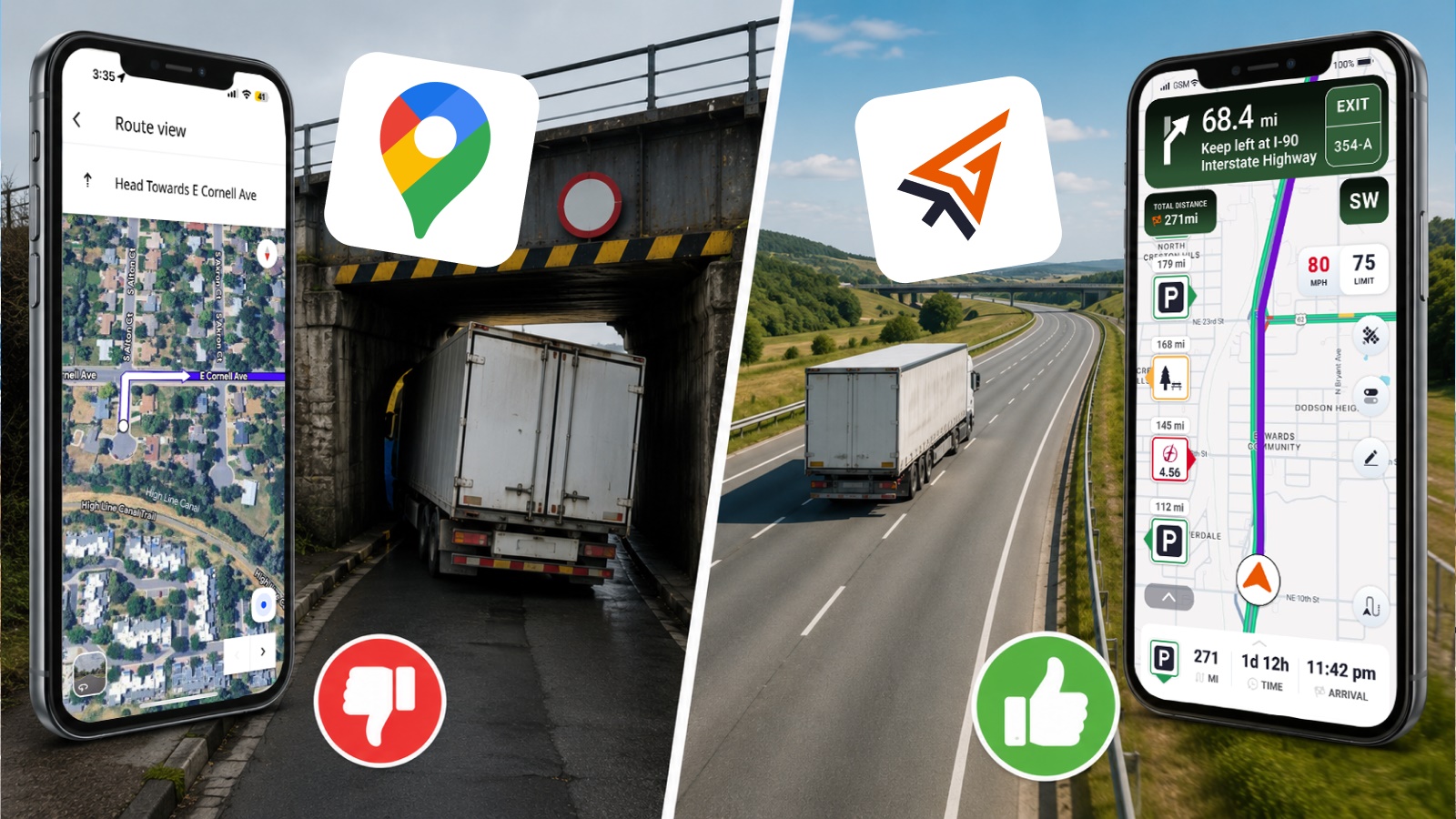
Google Maps does not have a true truck mode, so it cannot route by vehicle height, weight, axle limits, or other commercial restrictions. It also does not provide weigh station locations or reliable low-clearance bridge warnings. That makes it a strong tool for everyday driving, but not for commercial trucking.
Commercial vehicles must follow strict rules involving weight limits, bridge heights, restricted roads, and Hours-of-Service (HOS) planning.
We will explain when Google Maps can be helpful for truck drivers and where truck-specific GPS solutions like Trucker Guide provide safer routing designed for commercial vehicles.
Key Facts:
- Google Maps does not include a truck mode or commercial routing profile
- It cannot account for bridge heights, weight limits, axle restrictions, or truck bans
- The platform does not provide weigh station locations or truck-specific road alerts
- Google Maps is reliable for traffic updates, navigation, and general passenger driving use
- Trucking requires specialized routing due to legal and safety restrictions (HOS, clearance, permits)
- Trucker Path alternatives like Trucker Guide are built to handle real-world commercial routing needs
Does Google Maps Have a Truck Route Mode?
The answer is no. While Google Maps offers several navigation modes, including driving, walking, biking, transit, and two-wheeled vehicles, it does not include a trucking option for navigation. This has been confirmed by Google's own community forums, where users have asked about truck routing.
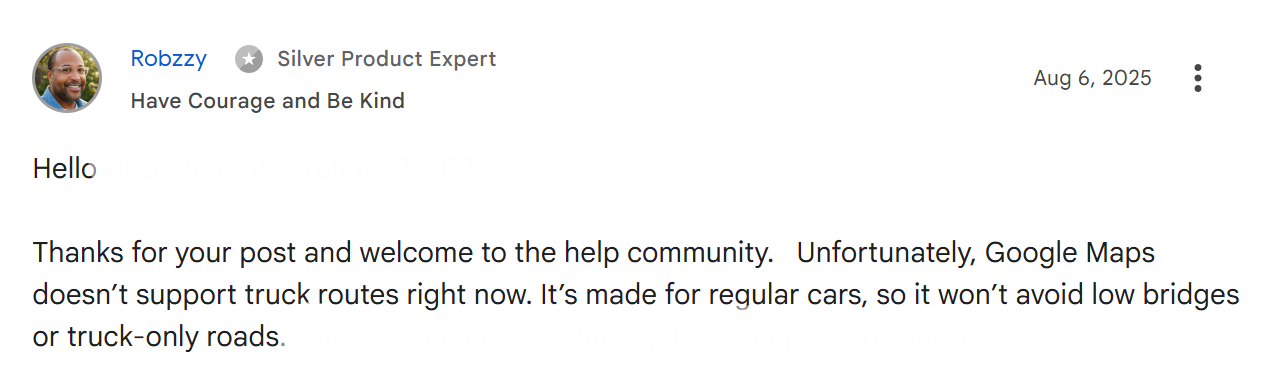
A truck mode would be incredibly useful for truck drivers, but it is unlikely to appear anytime soon for several critical reasons.
Planning a semi-truck route involves far more complex requirements than a typical suburban commute. For instance, truckers must navigate hazmat loads and permit loads that demand specific route regulations, along with bridge heights, weight limits, truck-restricted roads, and parking availability.
Since Google Maps relies on algorithms for most of its GPS data, adapting the system for truck-specific needs would require a massive investment of time and money. The truck driver audience is too small to justify this expense for Google's business model.
Can Google Maps Show Truck Routes and Avoid Restrictions?
Google Maps can show directions, but it cannot create a real truck route. If you are searching for truck route directions on Google Maps, the important limitation is that the app does not offer a truck-specific routing profile. That means Google Maps cannot reliably avoid low bridges, truck-restricted roads, narrow turns, or load-related restrictions.
For truckers, that creates a real risk. A route that looks efficient on a standard map can still lead a truck into a road that is unsuitable, illegal, or unsafe for the vehicle type. That is why Google Maps should be treated as a general navigation aid, not as a truck compliance tool.
Does Google Maps Show Bridge Heights and Low Clearances?
If you search for Google Maps bridge heights, you are still using a product that does not include commercial-clearance filtering in standard navigation. That limitation matters because bridge clearance can change everything for a tall vehicle.
Even if you use Satellite View to inspect a destination manually, the route logic is still designed around cars, not commercial vehicles. The example below shows why that matters: a route can look clear on the map, but still hide restrictions that only a truck-specific tool would catch. Street View may help you spot some signs, but even the visual clues a driver might check can be unclear or hard to read.
You May Also Like: Trucker Guide vs TruckMap: Which Truck GPS App Keeps You Ahead on the Road?
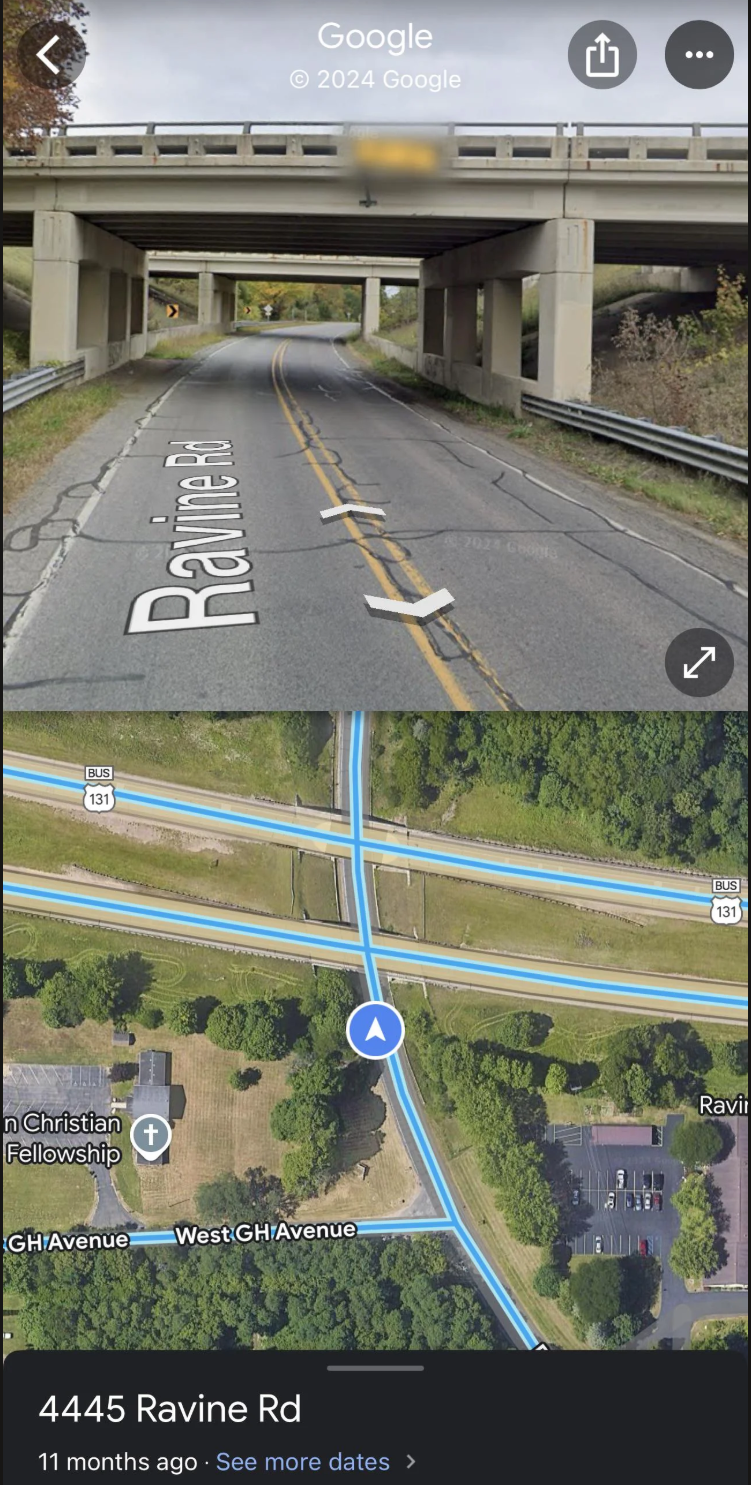
As a fact, in 2026, low-clearance bridge strikes remain one of the top 5 most common preventable truck accidents, with each strike damaging a truck's roof and cargo by $25,000 to $100,000+ on average. That is why official state transportation agencies publish low-clearance and truck-route information for commercial drivers, which shows how important this issue is in real-world trucking.
For example, Caltrans* publishes low-clearance locations and notes that state-route clearances may vary depending on measurement point, and that local-road clearances may not appear in state-route lists. For truckers, this means Google Maps is not enough when clearance is a concern. A specialized bridge-height resource is the safer choice because it is built for the practical realities of commercial driving rather than consumer navigation.
Caltrans is the California Department of Transportation, the state agency that manages California’s highway and freeway system and handles related transportation services. It also oversees programs such as transportation planning, mass transportation, and aeronautics.
Does Google Maps Show Traffic Cameras and Weigh Stations for Truckers?
Google Maps can show general traffic conditions. But if you are looking for Google traffic cameras through the app, you will find that it does not offer a dedicated truck workflow for those needs. It can still help with broad traffic awareness, It can still help with broad traffic awareness, route changes, and general congestion monitoring, but it is not a commercial operations tool.
When talking about using Google Maps to avoid weigh stations, the limitation is the same. The app is not designed to show weigh-station locations, status updates, or nearby driver resources in the way a truck-specific platform is.
For truck drivers who need these features, a dedicated truck navigation app provides the tools you actually need. You can find weigh stations near your current location and check traffic cameras that matter for truck routing.
What Apps Are Better Than Google Maps for Truck Drivers?
A better app should understand truck restrictions, support route planning for large vehicles, and help drivers avoid clearance issues, weigh stations, and restricted roads. That is where truck-specific tools are stronger than Google Maps.
Trucker Guide is a strong option because it is designed around the needs of truck drivers. Its low-clearance map highlights bridges and tunnels, can be filtered by truck height, and is regularly updated to reflect changes in road layouts. It also points drivers toward useful trucking resources such as weigh stations, live road cameras, truck parking availability, diesel prices, truck scales, and other truck-friendly locations you may need. Together with satellite view, it gives drivers a better way to inspect routes and prepare for the road.
Moreover, the navigation keeps improving over time, which makes it a more reliable choice for real-world truck routing. As a result, it has earned dozens of reviews from trucking pros who confirm that it performs reliably in real-world trucking situations.
Understanding the features is only part of the picture. The practical difference shows up when you place both tools in the same real-world driving scenario.
Trucker Guide vs Google Maps: What’s the Difference for Truck Drivers?
Google Maps works well for everyday driving, but trucking has different rules and risks. When route safety depends on bridge clearances, vehicle restrictions, and truck-specific planning, Google Maps is not enough.
Use Trucker Guide as a truck-safe navigation solution with low bridge avoidance, diesel price tracking, truck stop discovery, and real-time route planning for commercial drivers across North America.
Frequently Asked Questions
Can you program Google Maps for trucks?
No, Google Maps does not support truck-specific routing profiles or custom vehicle dimensions. It is designed for passenger navigation rather than commercial vehicle programming.
Can Google Maps avoid low bridges for trucks?
No, Google Maps does not include truck clearance data or low-bridge avoidance in its routing system. Drivers must manually check restrictions using external tools.
Can you tell Google Maps you have a truck?
No, there is no option to set a truck vehicle type in Google Maps navigation. The app only supports standard driving, walking, biking, transit, and two-wheel modes.
How do I find truck stops on Google Maps?
You can search manually for “truck stop” or specific brands, but Google Maps does not provide a dedicated truck stop filter or trucking-focused database.
Is there a free Google Maps for truckers?
No, Google Maps cannot provide true truck routing. While it offers reliable navigation for passenger vehicles, it does not account for commercial vehicle restrictions such as low clearances, weight limits, or hazardous-material routes. For those features, drivers need a truck-specific navigation platform such as Trucker Guide.
Is a trucker's GPS better than a regular GPS?
Yes, truck GPS systems are better because they account for height, weight, road restrictions, and commercial routes. Regular GPS tools are not designed for heavy vehicle compliance.
What is the best map app for truck drivers?
Trucker Guide is a dedicated trucking navigation platform that includes truck routing, restriction data, truck parking, weigh stations, and commercial road resources. These features are designed specifically for commercial drivers and are not available in standard navigation apps like Google Maps.


