



A Smarter Truck Routing Experience with the Latest Trucker Guide Update

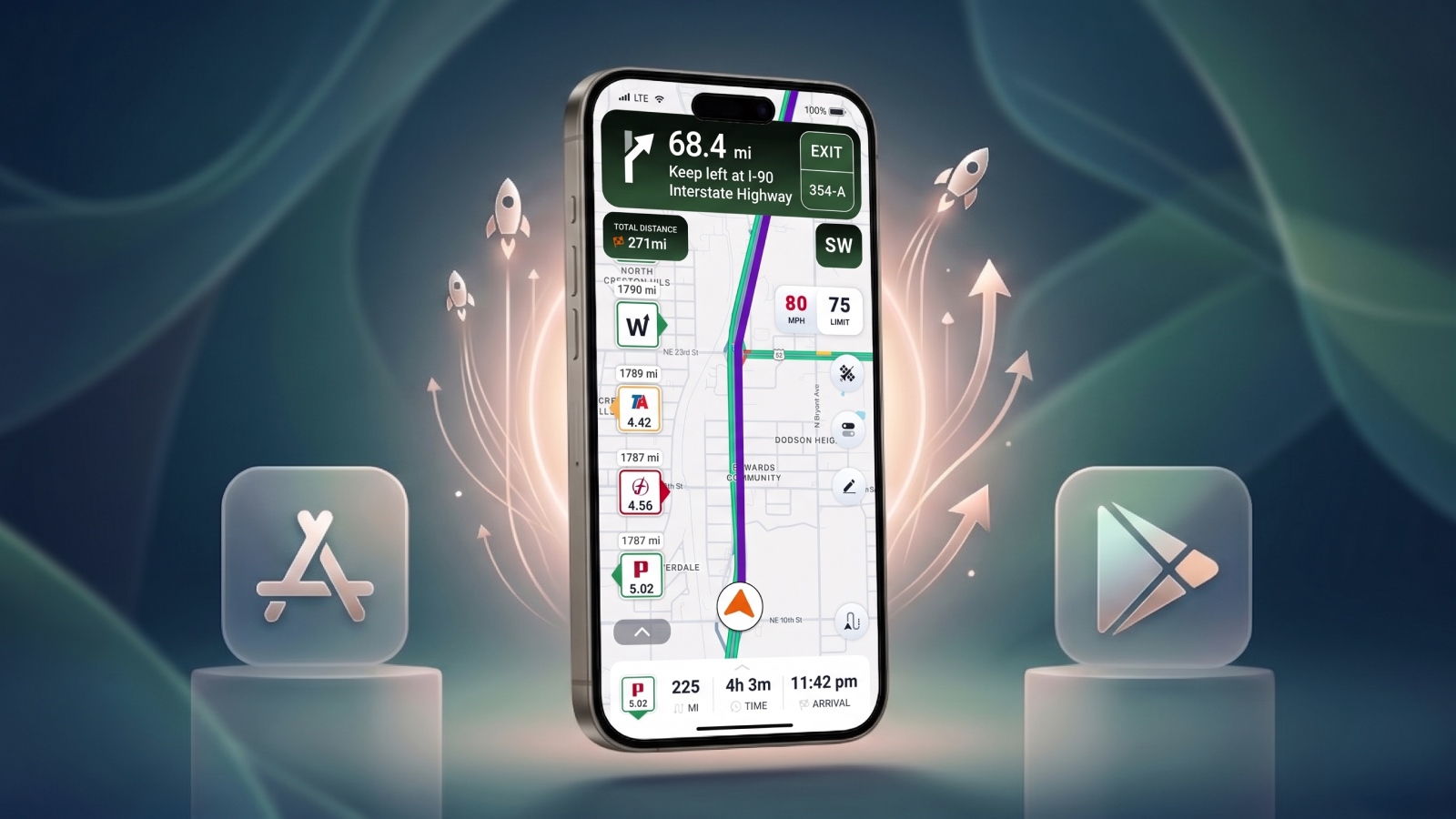
We have updated Trucker Guide | Navigation to improve stability, speed, and routing reliability in real driving conditions.
It is focused on reducing interruptions, improving how fast the app responds, and making navigation feel consistent from the moment a route starts until the end of the trip.
Here’s what has been improved to make driving smoother from start to finish.
Quick Summary:
- Improved background navigation stability and reliability.
- Better navigation recovery after minimizing the app.
- Reduced unexpected navigation interruptions.
- Added an improved search experience with faster and smarter results.
- Better address and truck-related location discovery.
- Enhanced route planning from searched locations.
- Improved voice guidance consistency during active navigation.
.png)
Truck-Related Search
The journey often starts with finding the right place quickly while already on the move. Finding the right stop while on the road is now more intuitive. The search bar is optimized for fast access and placed at the bottom of the map for easier use during navigation.
Whether it is rest areas, Walmart with truck parking zones, fuel stations, hotels, or service locations, the results are focused on options that truly match your query.

Search is faster and more precise, helping drivers locate destinations with less distraction. Combined with improved route handling from searched locations, it delivers smoother navigation with better truck-specific routing.
Faster Route Start
Once a destination is selected, navigation activates faster with fewer steps and reduced waiting time.
Address handling now prioritizes truck-relevant routing rules instead of standard passenger vehicle logic, ensuring the system immediately builds a correct commercial route. This ensures the navigation engine starts cleanly and efficiently, moving from selection into active guidance without delay.
Stability in Weak Signal Areas
Long-haul routes often pass through areas with limited or unstable connectivity. Navigation now maintains consistent guidance even when signal strength drops. Instead of interruptions or reloads, the app continues delivering steady route updates across rural roads, highways, and remote regions.
Background Navigation Stability
Navigation remains fully active even when the app is minimized or running in the background. Your route continues uninterrupted, and navigation state is preserved throughout the trip. Improved recovery after minimizing the app ensures drivers can return instantly without losing their route.
You May Also Like: CAT Scale and Trucker Guide Announce a Partnership
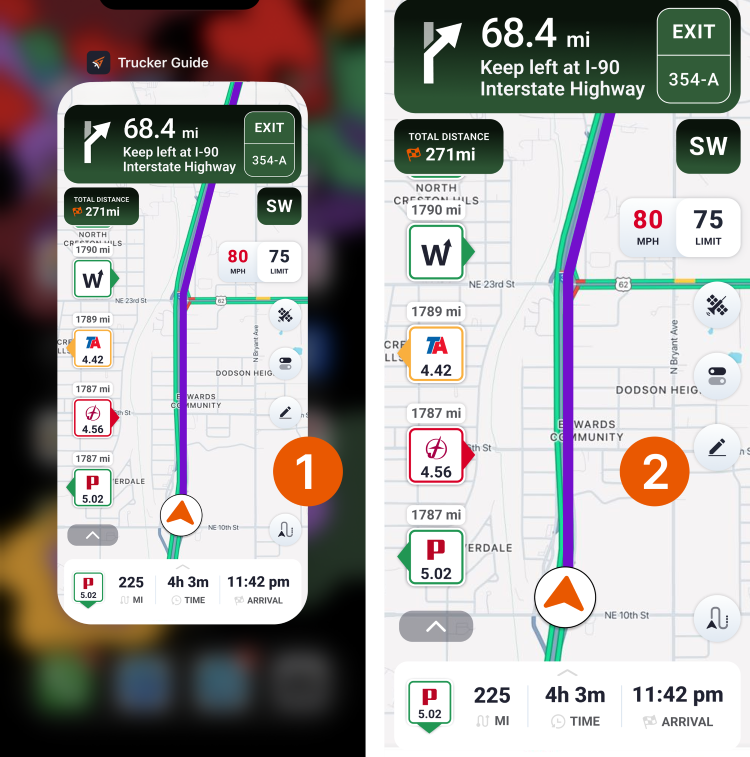
This allows drivers to switch between dispatch tools, messaging apps, logging systems, or weigh station processes without stopping navigation. Everything stays active, creating a more reliable driving experience.
Voice Navigation Consistency
During the entire drive, clear guidance remains essential, especially in complex traffic environments.
Turn-by-turn instructions are now delivered more smoothly in situations such as exits, merges, and multi-lane highways. This helps drivers stay focused on the road while receiving consistent, reliable navigation guidance.
Try the updated Trucker Guide | Navigation in your next drive and experience the improvements in real conditions on the road.


