



Trucker Guide Launches Weather Radar to Help Drivers Stay Ahead of the Storm

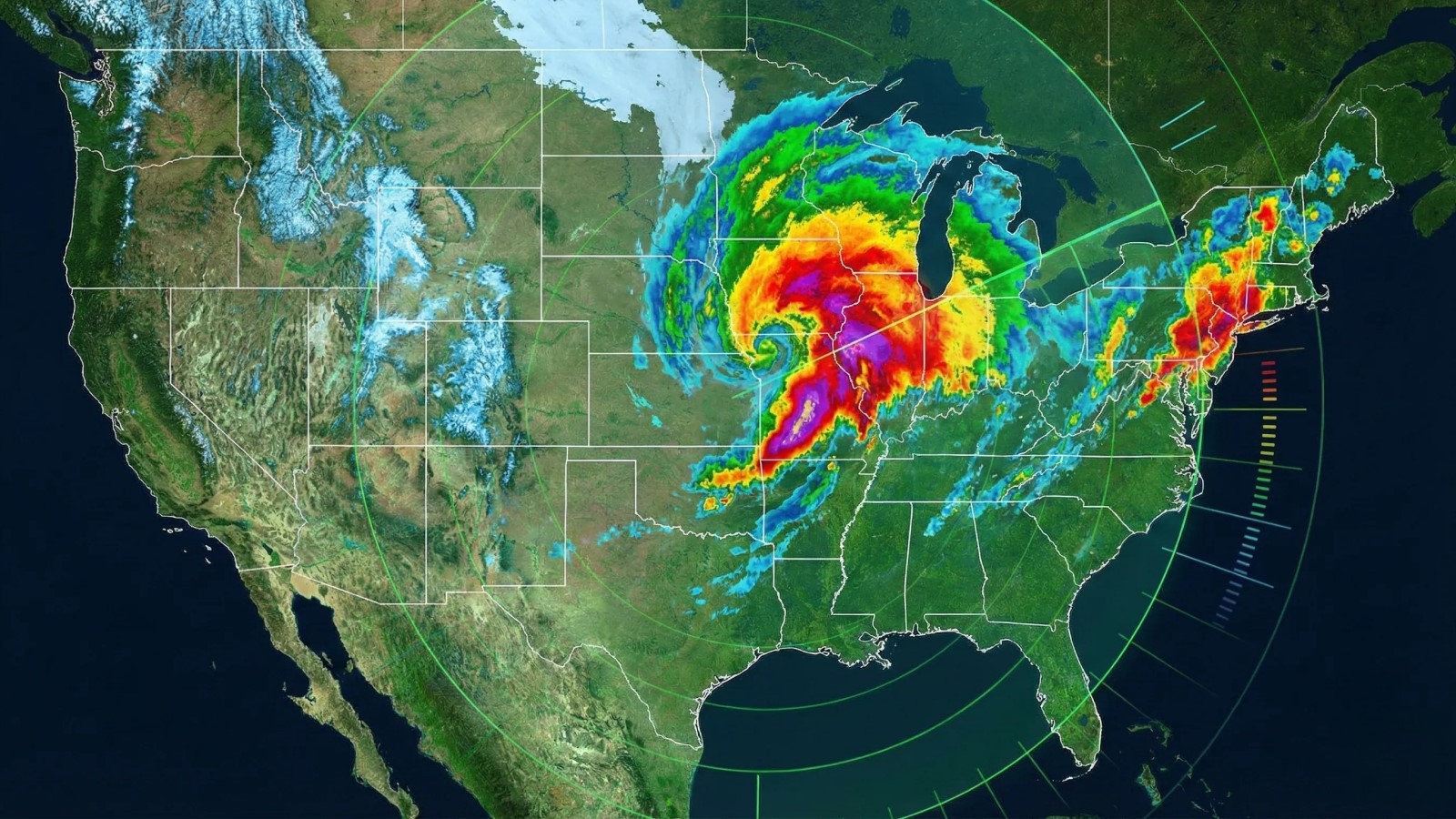
Every driver has dealt with weather, throwing a wrench into a plan. A storm that rolls in earlier than expected. High winds make an easy stretch feel sketchy. Rain or snow that turns traffic into a crawl.
Forecasts help, but they are not always enough on their own. Lately, the weather has been getting more unpredictable across major freight lanes. Sudden storms, heavier snowfall, and fast-moving systems show up with less warning than they used to. For drivers, owner-operators, fleets, and dispatchers, that means planning has to be tighter, and decisions have to be made earlier.
We wanted to build something that shows what is actually happening on the ground in real time. Something simple, visual, and useful when you are planning your next move. That is what Weather Radar is meant to be.
Weather Radar is available now in the Trucker Guide web version, so you can start using it for trip planning right away.
Quick Summary:
- Weather Radar is available in the Trucker Guide web version for real-time trip planning.
- The radar covers the full United States with zoom and interactive map controls.
- A timeline slider shows weather movement throughout the day with a “now” indicator.
- Users can view multiple precipitation layers, including rain, snow, freezing rain, and mixed precipitation.
- Play and scrub controls allow forecasting of storm movement and timing along routes.
- Layer-based visualization uses color-coded intensity to distinguish weather types and severity.
How to Use a Live Weather Radar?
Getting started is easy. Open the Trucker Guide and press the “Radar” button on the right menu.
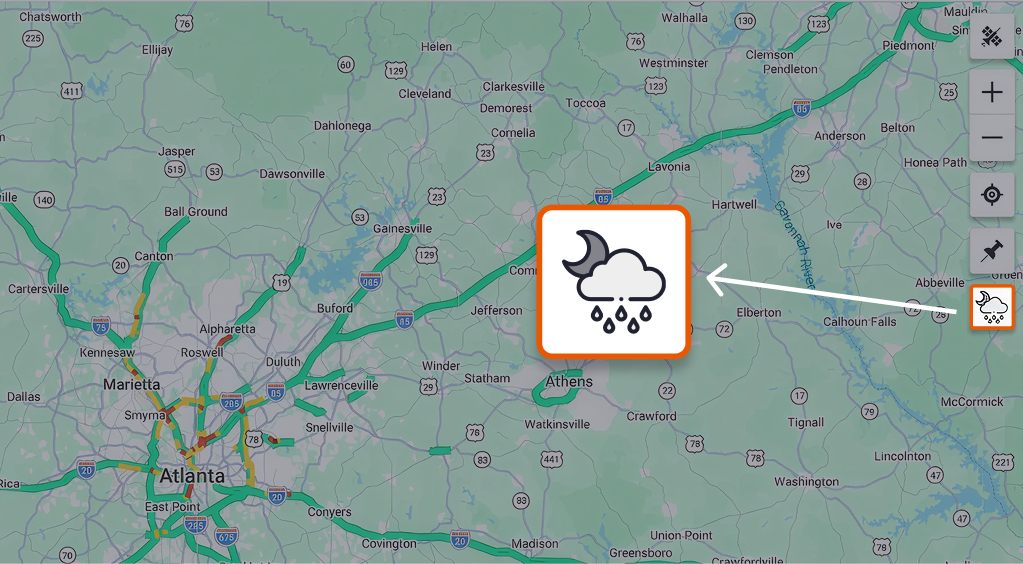
This will bring up the full coverage of the live radar across the USA. You can zoom in for a closer look at details like lightning and wind patterns using the interactive weather radar features.
You May Also Like: Improve Route Safety with Real-Time Road and Weather Updates
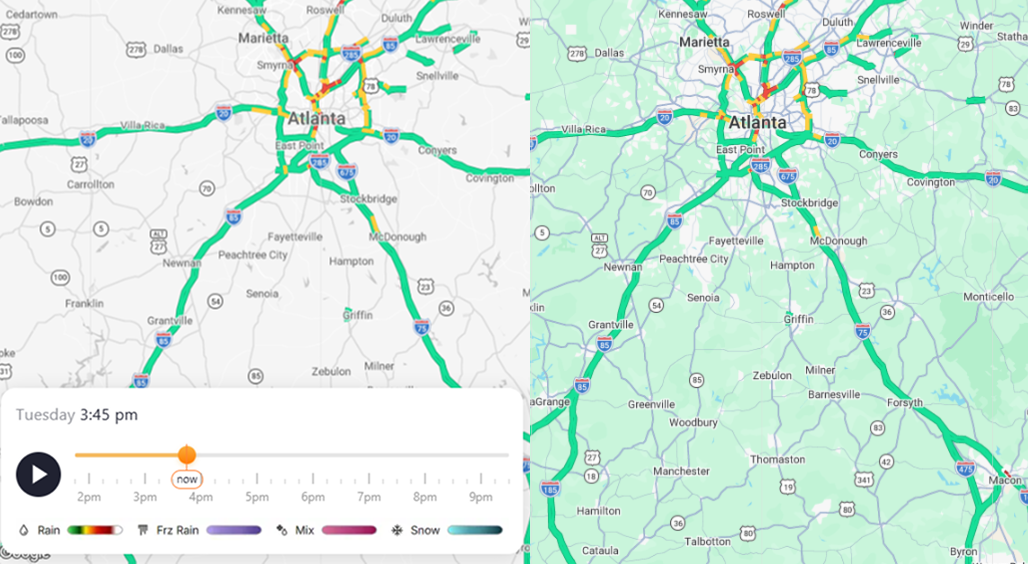
Look at the bottom-left of the screen: you’ll see a timeline bar showing how the weather changes throughout the day. A vertical marker labeled “now” shows the current moment, so you always know what’s happening in real time.
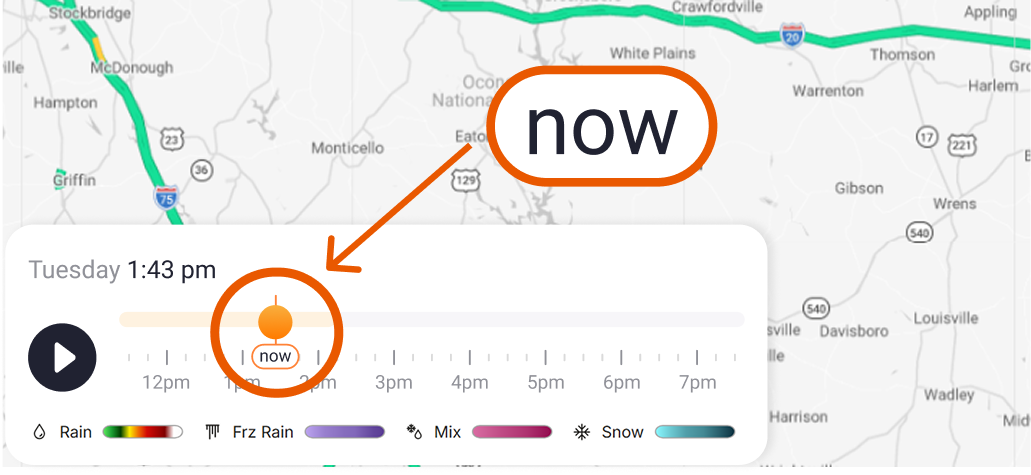
You can press “Play” to animate the radar and watch weather systems move across the map. Or drag the slider left and right to scrub through time manually. This lets you check what the weather looked like earlier, what it looks like right now, and how it is expected to develop later in the day.
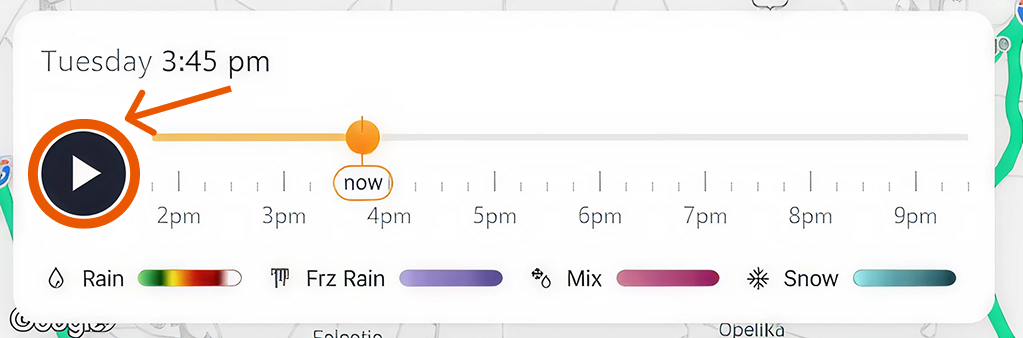
This is especially useful for seeing whether a storm is moving toward your route, sliding past it, or clearing out before you get there. That kind of visibility makes a real difference when you are choosing between two routes, deciding whether to push through or shut down early, or timing a break so you are not parked right when the worst weather hits.
Along the bottom of the radar, you will find simple layer icons that let you switch between different types of weather:
- Rain
- Freezing rain
- Mixed precipitation
- Snow
Each layer uses its own color style, so you can tell at a glance not just how heavy the weather is, but what kind of weather it is. That means no guessing whether that green or purple blob is just rain or something that can ice up your day fast.
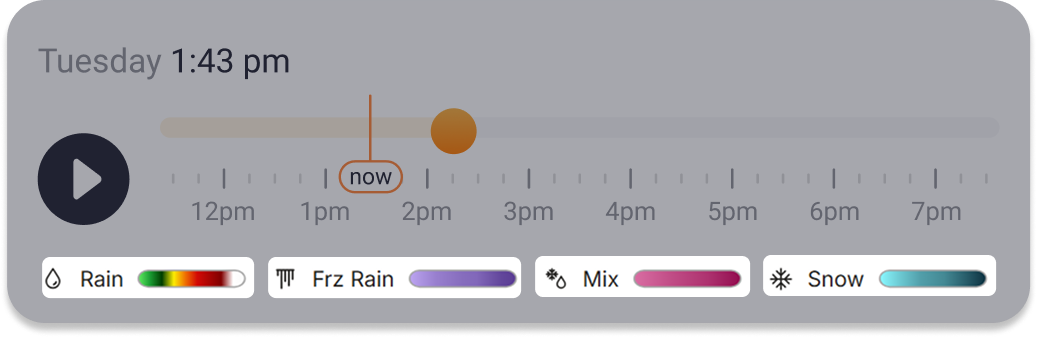
Together, the timeline and layer controls turn the radar into more than a map. They make it a planning tool that helps you decide when to roll, when to wait, and when to reroute.
With Weather Radar on Trucker Guide, you get a clearer view of what lies ahead and more control over how you deal with it. It is one more step toward smarter planning, safer driving, and fewer surprises on the road. And it is just the beginning of how we are improving weather tools for the trucking industry.
Ready to stay one step ahead of the weather? Head over to Trucker Guide and try out the new Weather Radar today.


